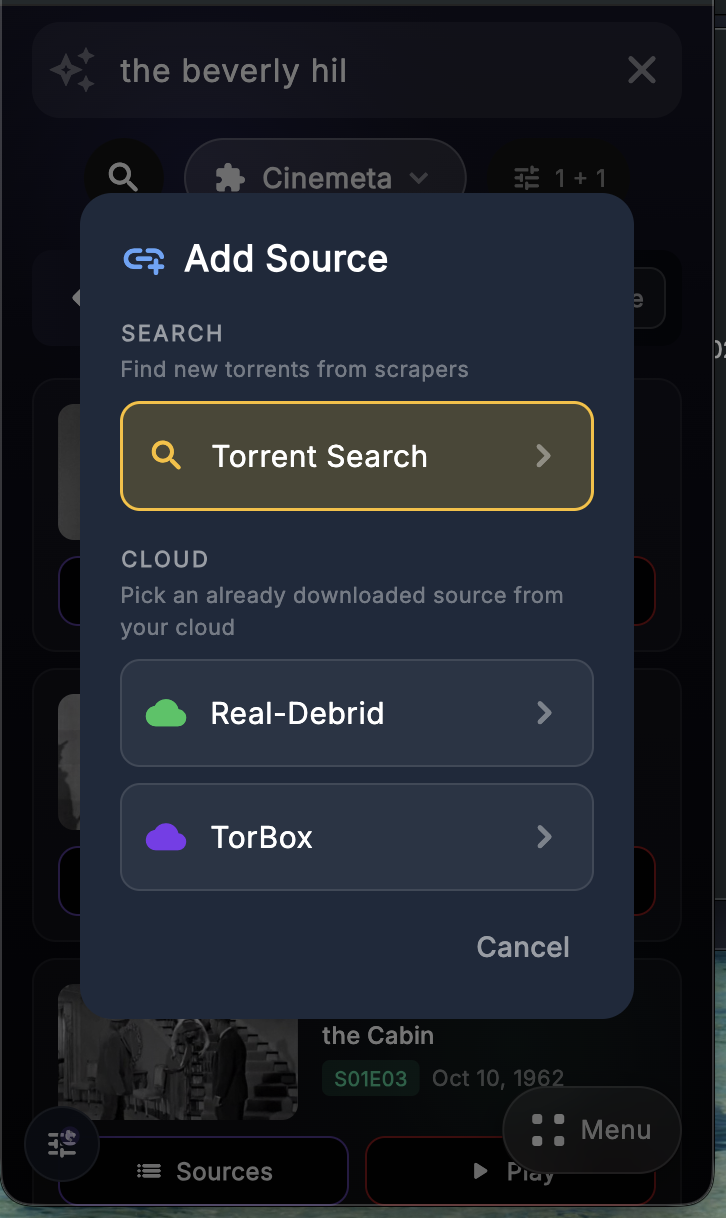
Movie Search Flow
Use catalog search when you want Debrify to find the title first, then decide how you want to open it.
Search for the movie
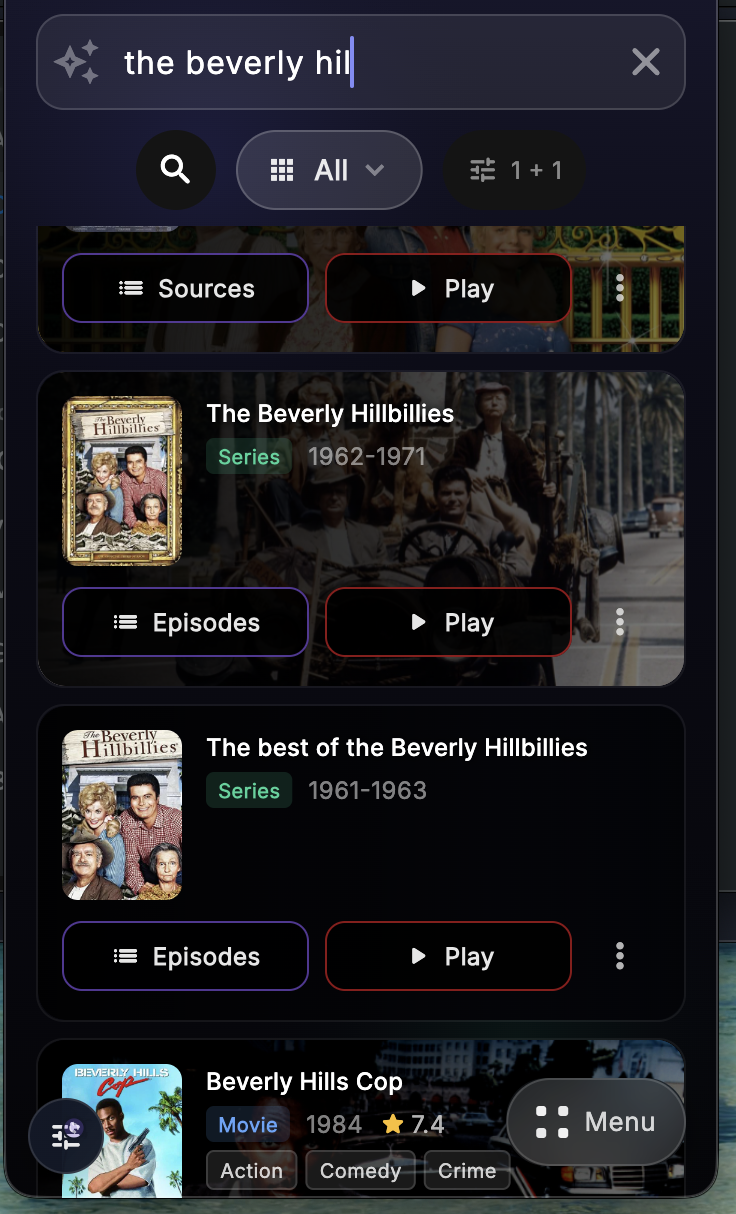
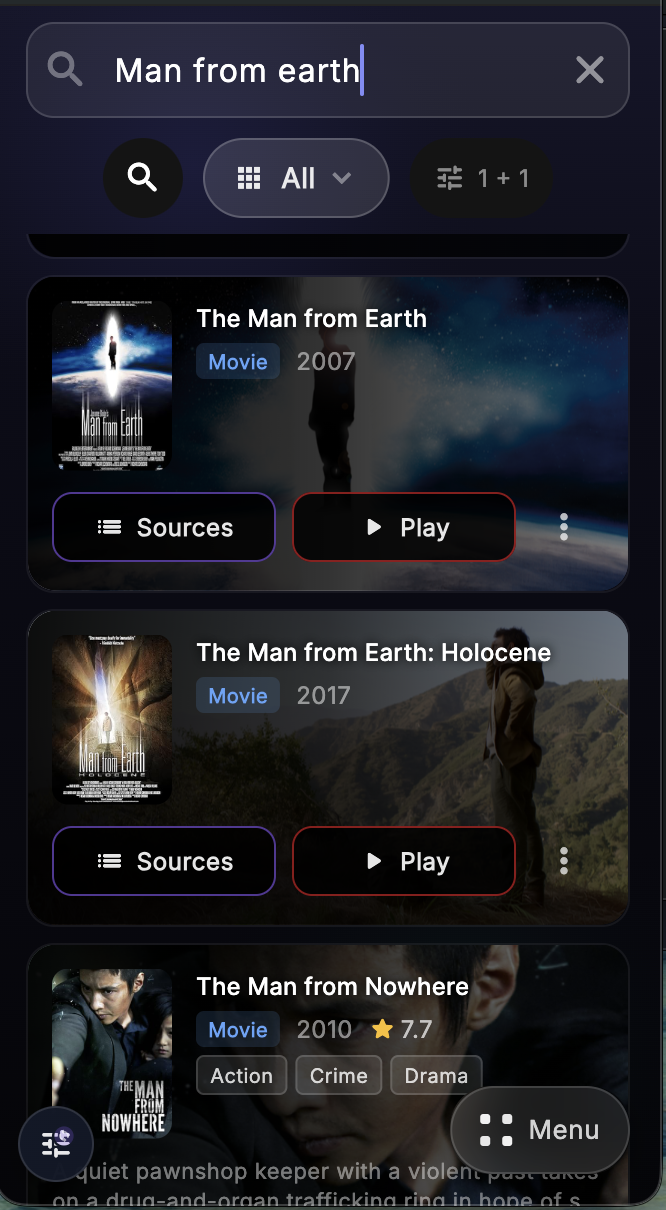
Enter the movie name in catalog search. Debrify shows matching title cards with quick actions on each result.
If you tap Play
Debrify automatically picks a source for the movie and starts playback. This is the fastest path when you do not want to choose a source manually.
If you tap Sources
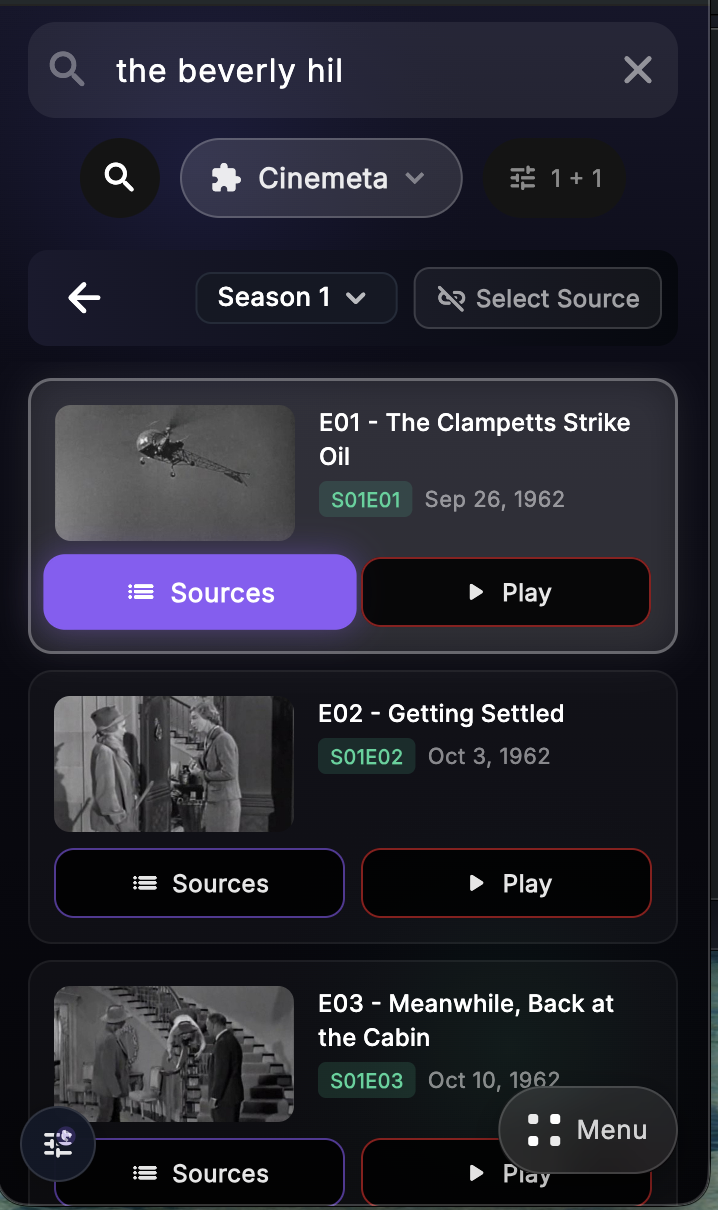
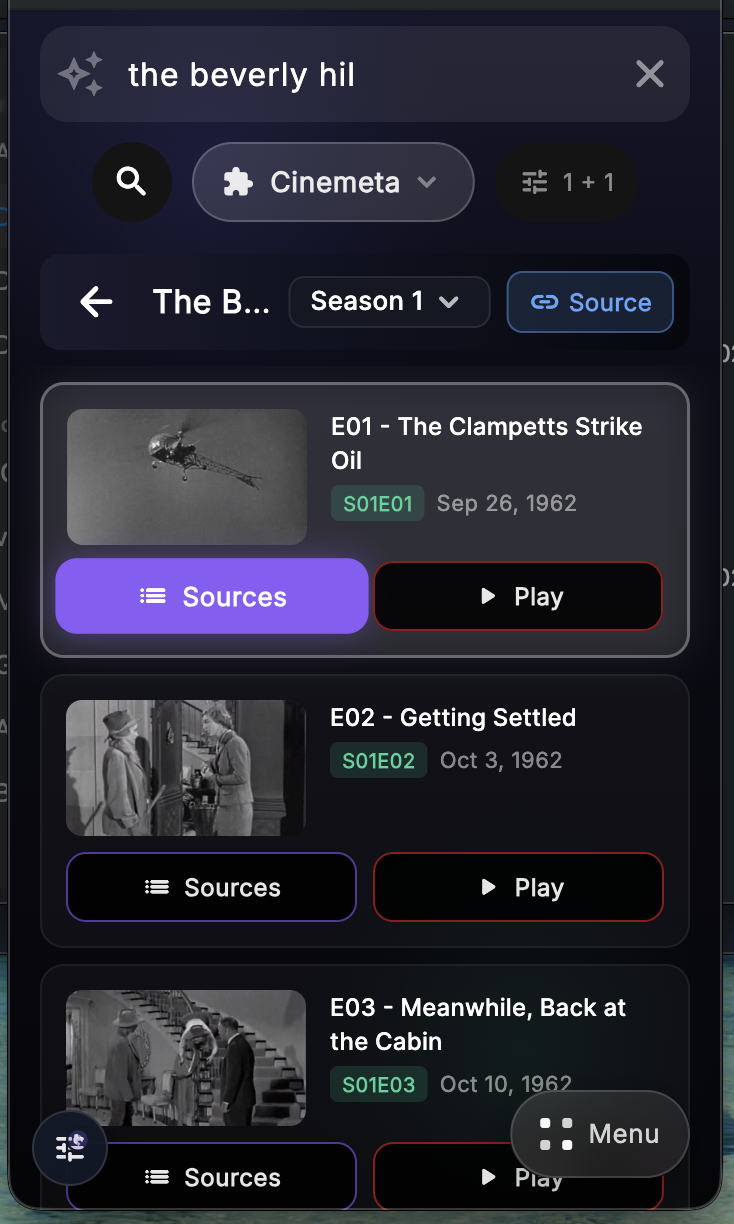
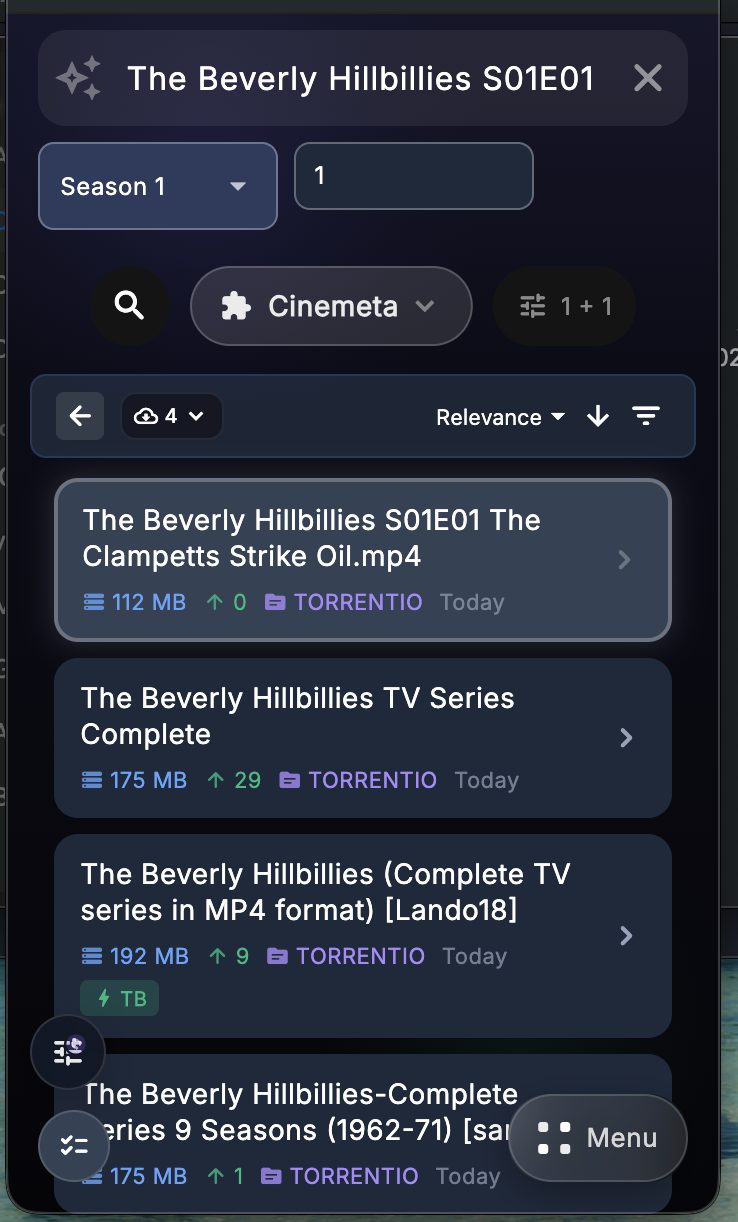
Debrify opens the source list for that movie. From there, you can sort, filter, and choose the source you want.
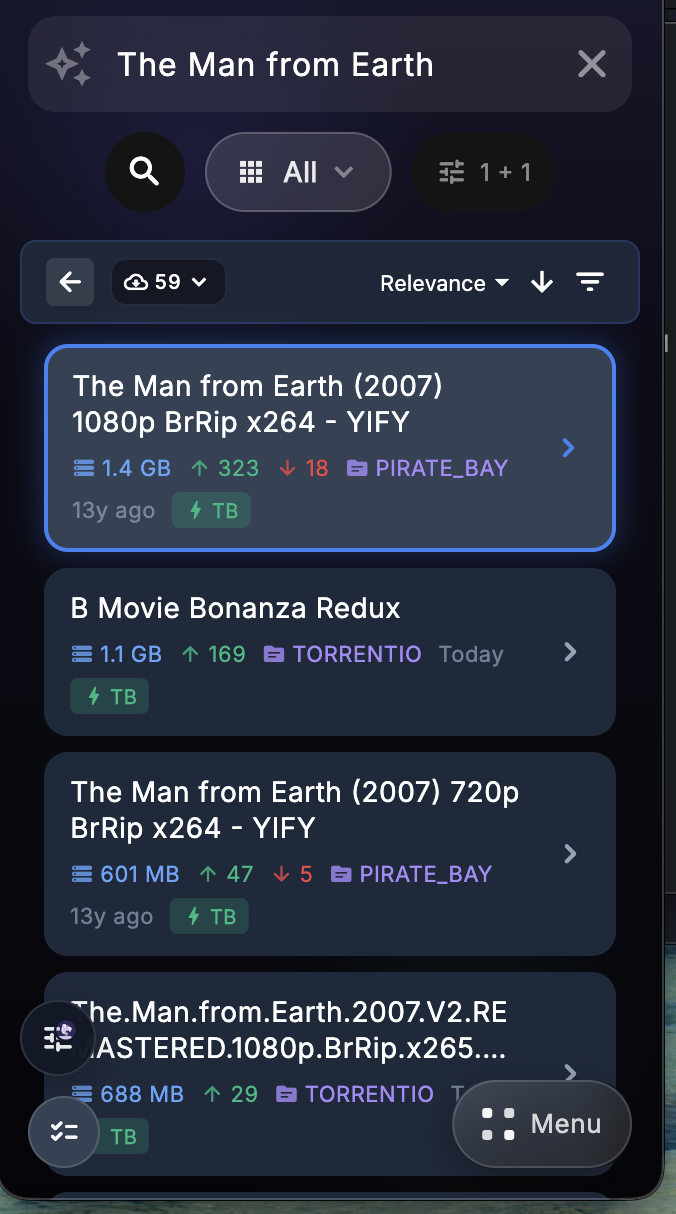
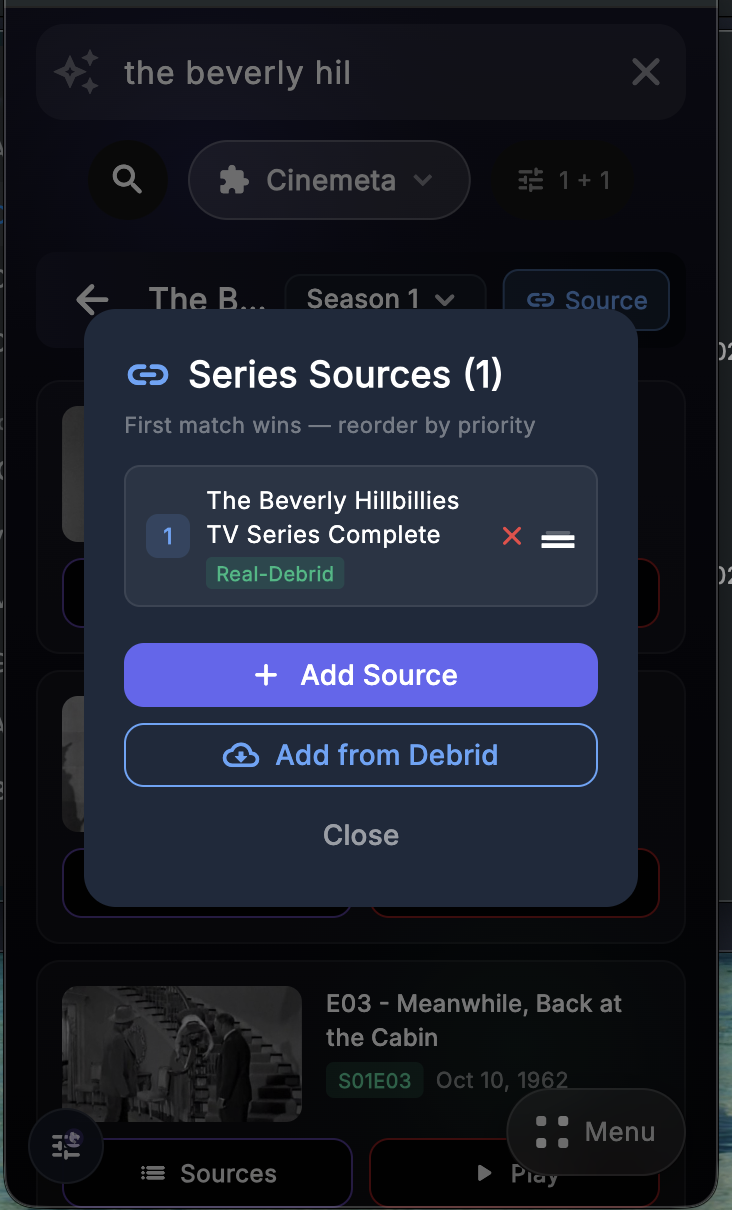
After selecting a source
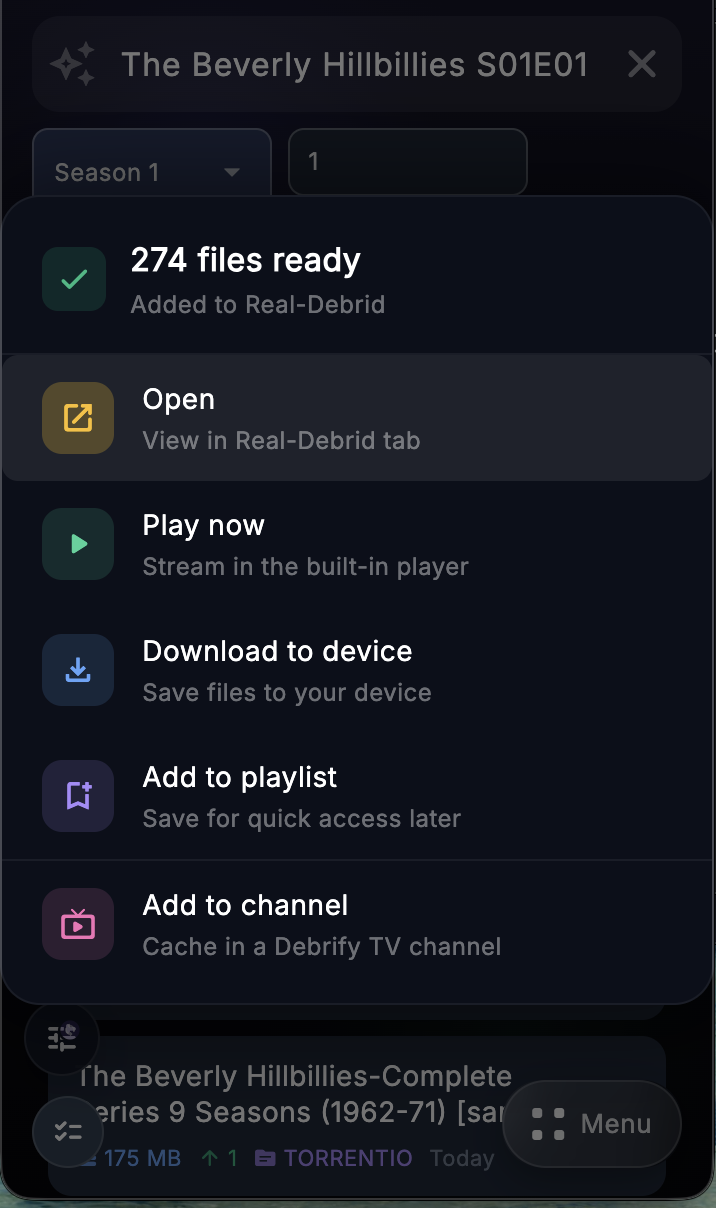
Once the source is selected and added, Debrify shows the available actions for that movie.
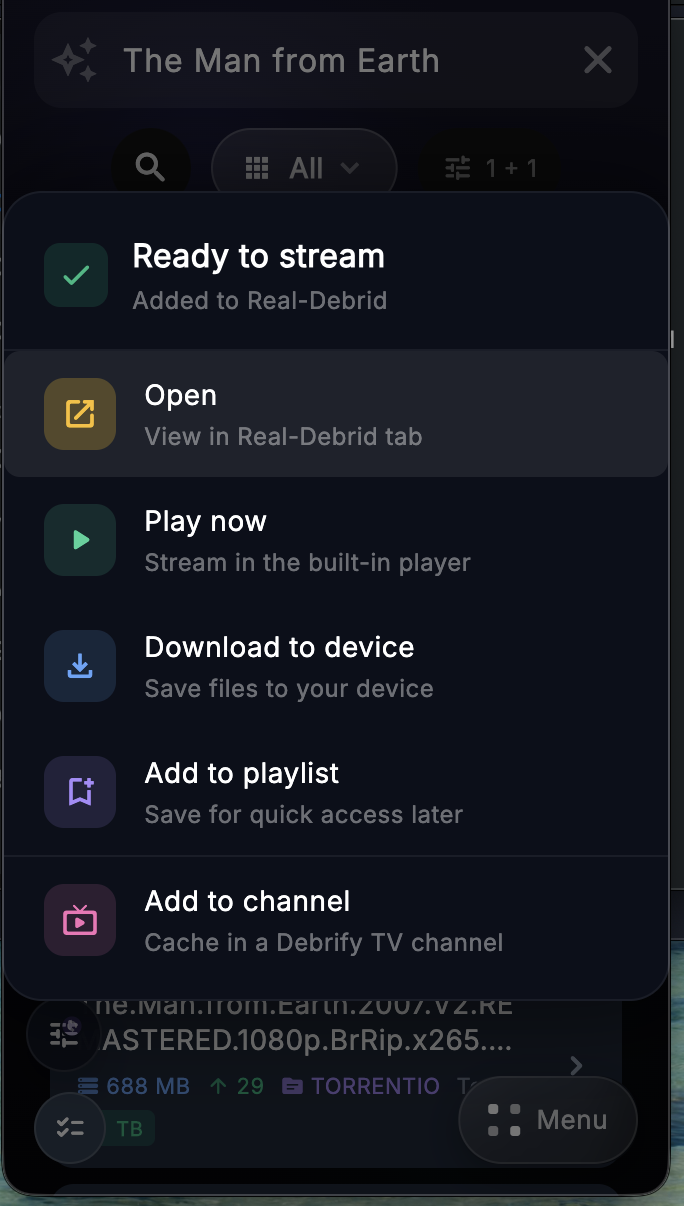
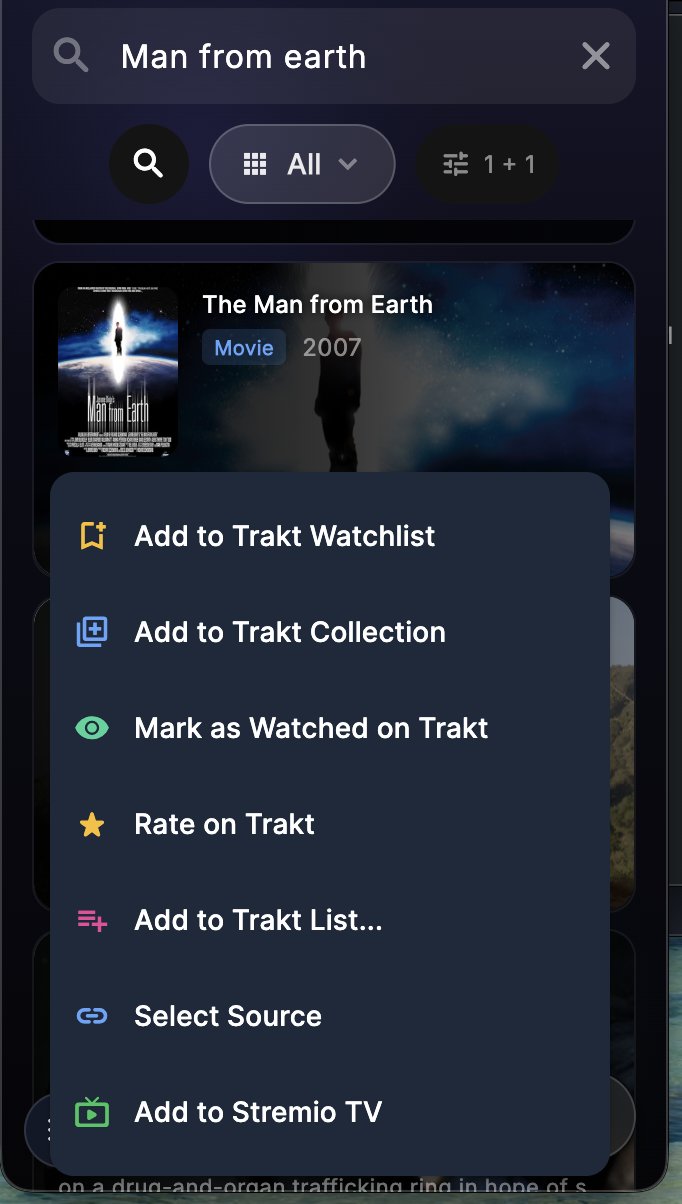
Use the menu for title actions
The 3-dot menu on the movie card is for title-level actions. This is separate from playback and source selection. Trakt options appear only if your Trakt account is connected.
For movies in catalog search, use Play if you want Debrify to pick a source automatically. Use Sources if you want to choose the source yourself.